

I’ve been a full-stack developer for 5 years. In early 2025, I spent 30% of my time debugging and writing boilerplate and same similar components for different projects manually. By late 2025, I integrated AI tools into my daily workflow. Today, I ship features twice as fast. Not because I code faster, but because I stopped doing repetitive work.
This guide isn’t a list of random tools. It’s the exact stack I use, with real examples of how and when to use each one.
How I Combine These Tools (Real Workflow)
Here’s a typical 30-minute debugging session I had last week. I saw a cryptic TypeScript error in my build log. I pasted the error into Perplexity then it gave me a cited answer from the TypeScript repo. The suggested fix didn’t work, so I asked ChatGPT to explain the underlying type narrowing logic. Then I used Cursor to refactor the affected file using a prompt: “change this to use discriminated unions”. Finally, I ran Mintlify to document the new function.
This isn't a fixed rulebook, it's the workflow I use most often while working on any project.

1. ChatGPT – My First Stop for Logic Problems
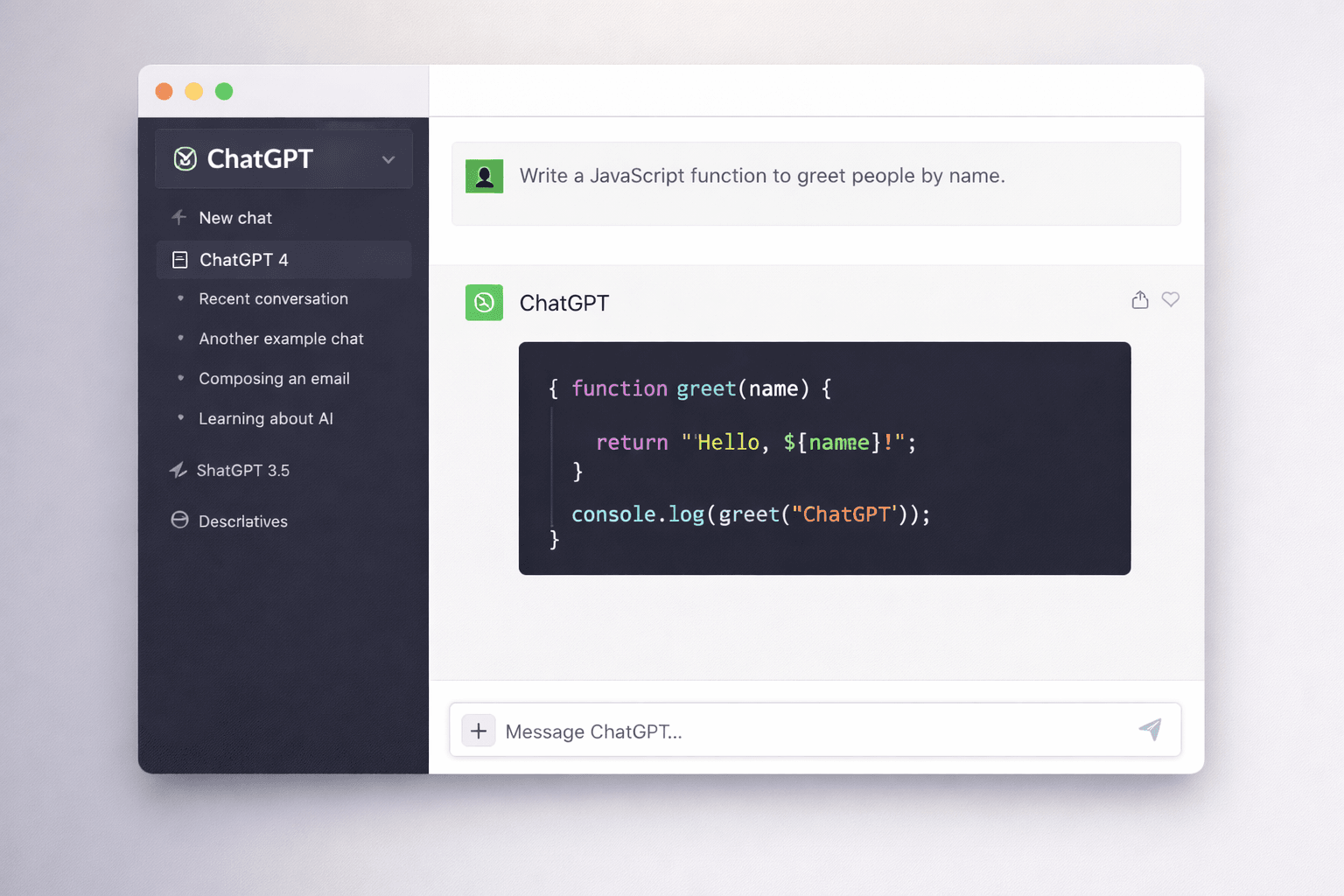
I use ChatGPT whenever I hit a complex algorithm, a cryptic error I’ve never seen, or need to design a small system like a rate limiter in Node.js. Instead of asking for raw code, I ask it to explain the logic step by step. Then I write the code myself. This helps me learn faster and produce cleaner, more maintainable code. I also wrote about newer models in my GPT-5 breakdown.
2. GitHub Copilot – Autocomplete, But Smart
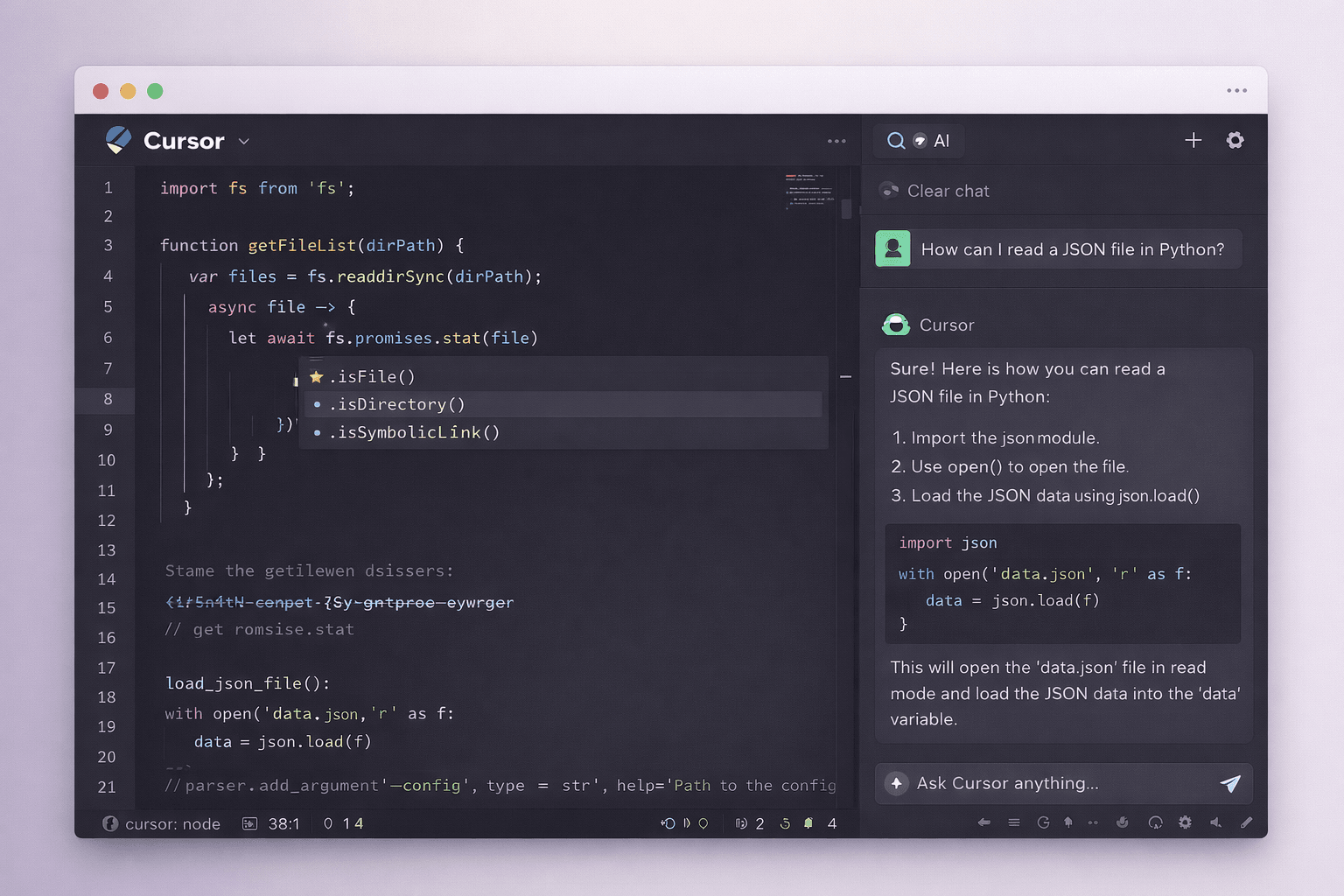
I reach for GitHub Copilot when I'm writing repetitive code like React components, API routes, or test stubs. It works seamlessly inside VS Code and saves me tons of typing. But never trust it blindly. It often suggest insecure query, so always review every line before committing.
3. Cursor – The AI-Native Editor
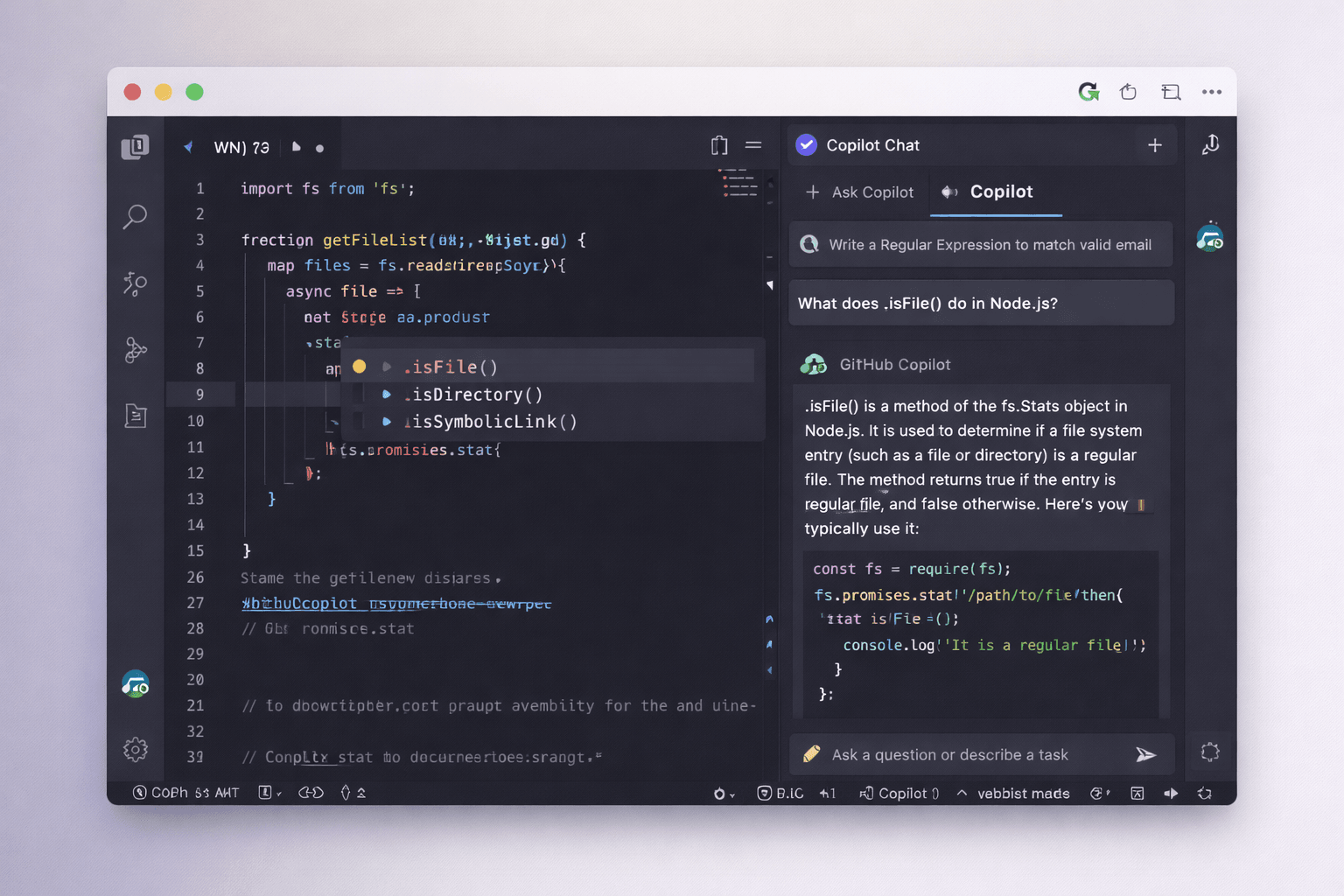
Use Cursor when I need to refactor entire files or generate boilerplate for a new feature. Example usage “Rename all instances of ‘userData’ to ‘customerRecord’ and update related type definitions.” It finished in two seconds. It's a great time saver.
4. Claude – For Large Codebases
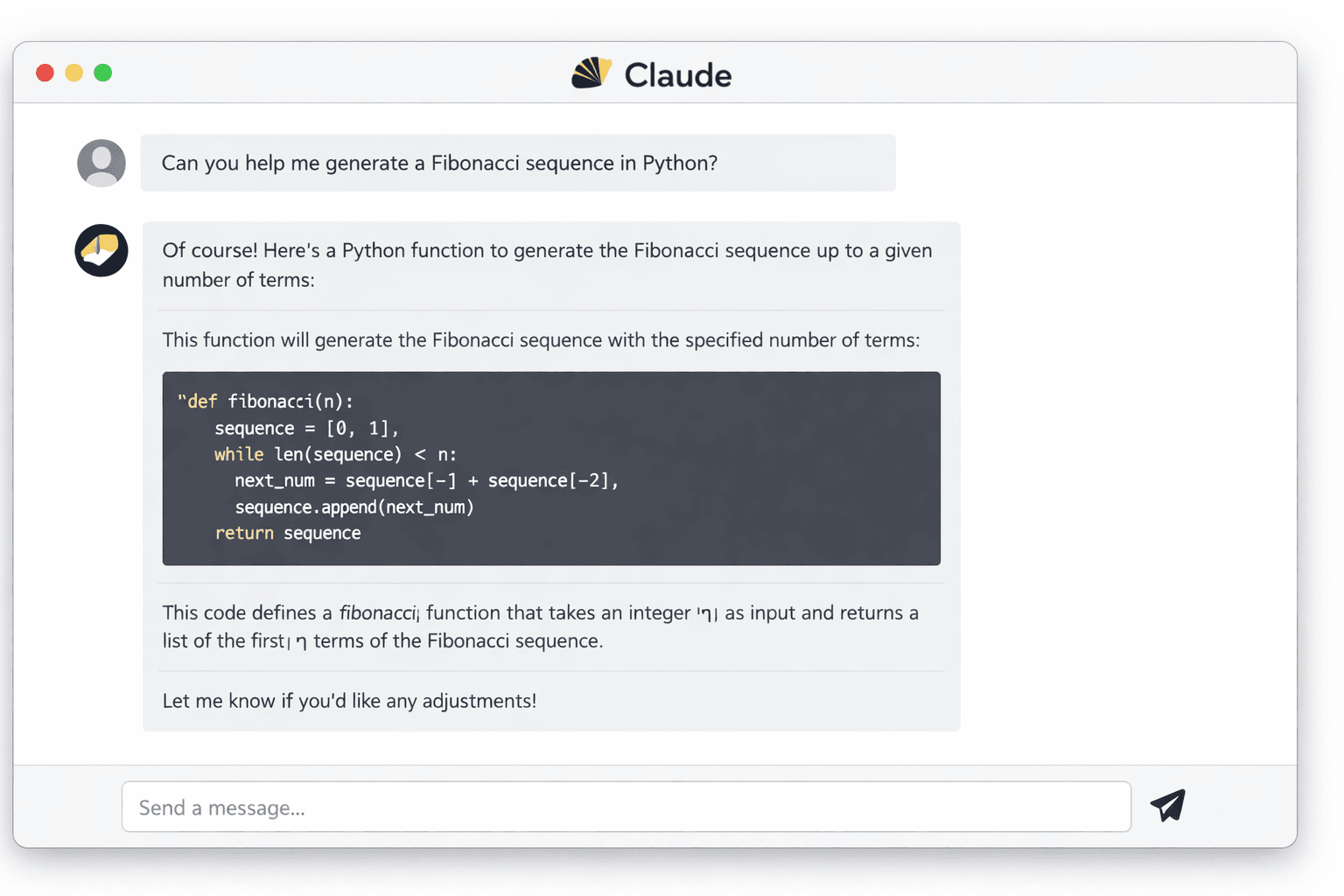
Claude’s 100k+ token context window is a lifesaver. I can paste an entire backend service and ask for a security review or performance audit. ChatGPT would lose context halfway through, but Claude handles it without breaking a sweat.
5. Perplexity – AI + Citations
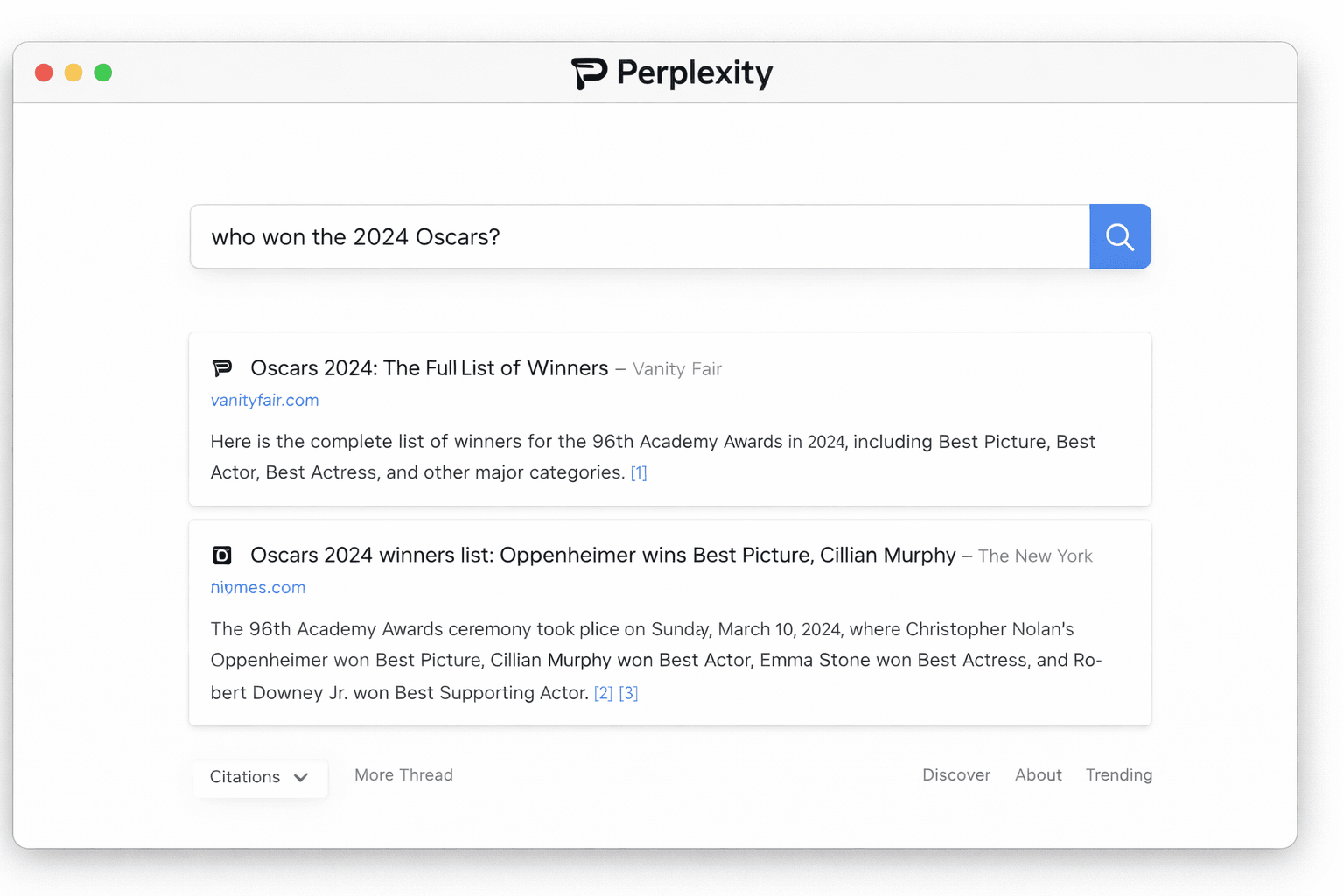
Any time I would normally Google a programming question, I use Perplexity instead. It gives me a direct answer with links to official docs or Stack Overflow. No more clicking through five blue links to find one working solution.
6. Phind – Google for Developers
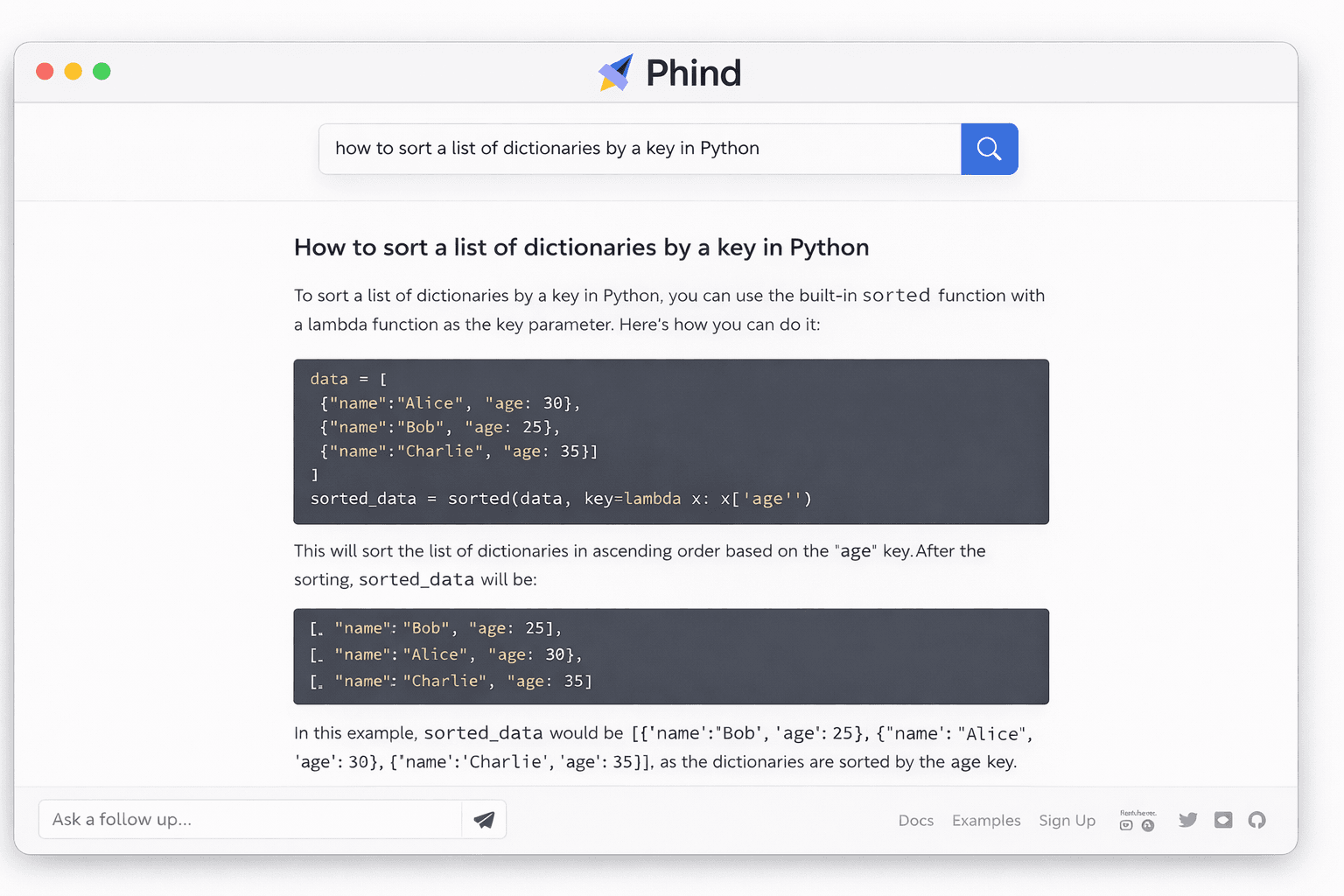
Phind is like Perplexity but tuned specifically for code. It can even run code snippets to verify answers before showing them to me. You can use it for version‑specific questions, such as “Next.js 15 App Router – how to handle parallel routes?”
7. Replit Ghostwriter – Zero Setup
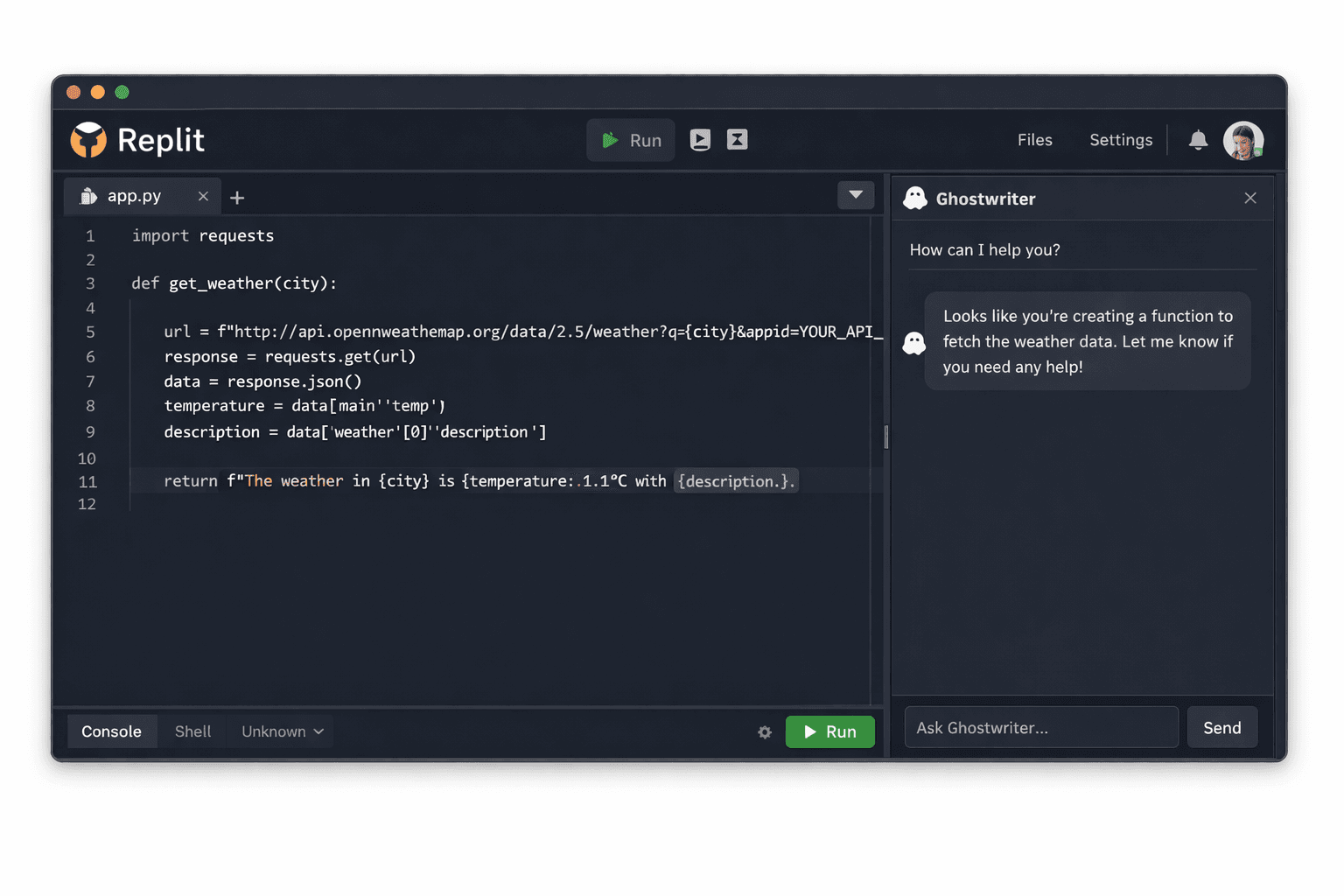
When you need a quick prototype, want to share a working code snippet with a colleague just open Replit Ghostwriter. No local environment setup required, it just works in the browser with AI suggestions in real time.
8. Tabnine – For Privacy-Sensitive Work
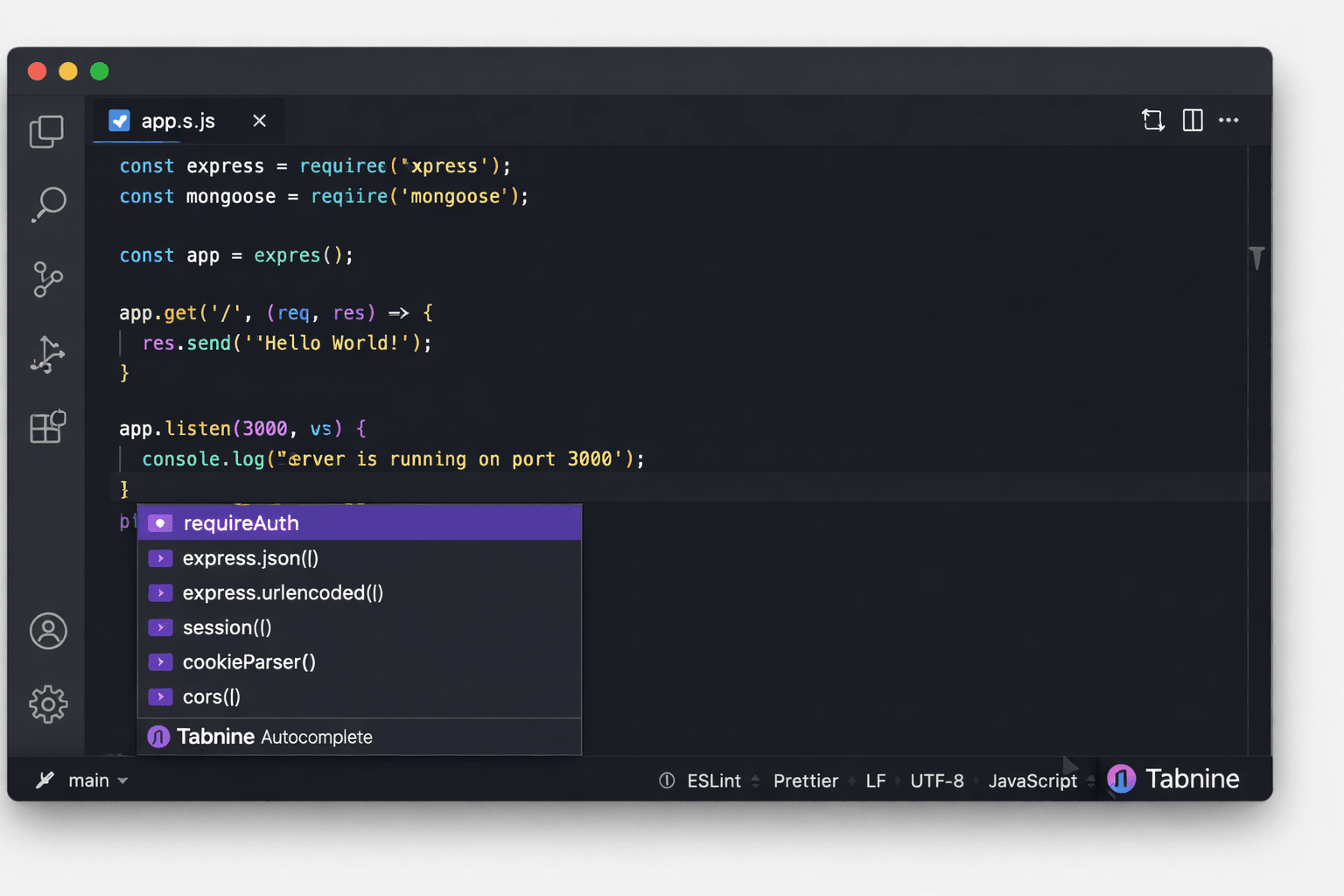
On closed‑source projects with strict NDAs. Its local AI model never sends code to the cloud. It has a solid autocomplete suggestions without worrying about leaking proprietary logic.
9. Codeium – Free & Fast
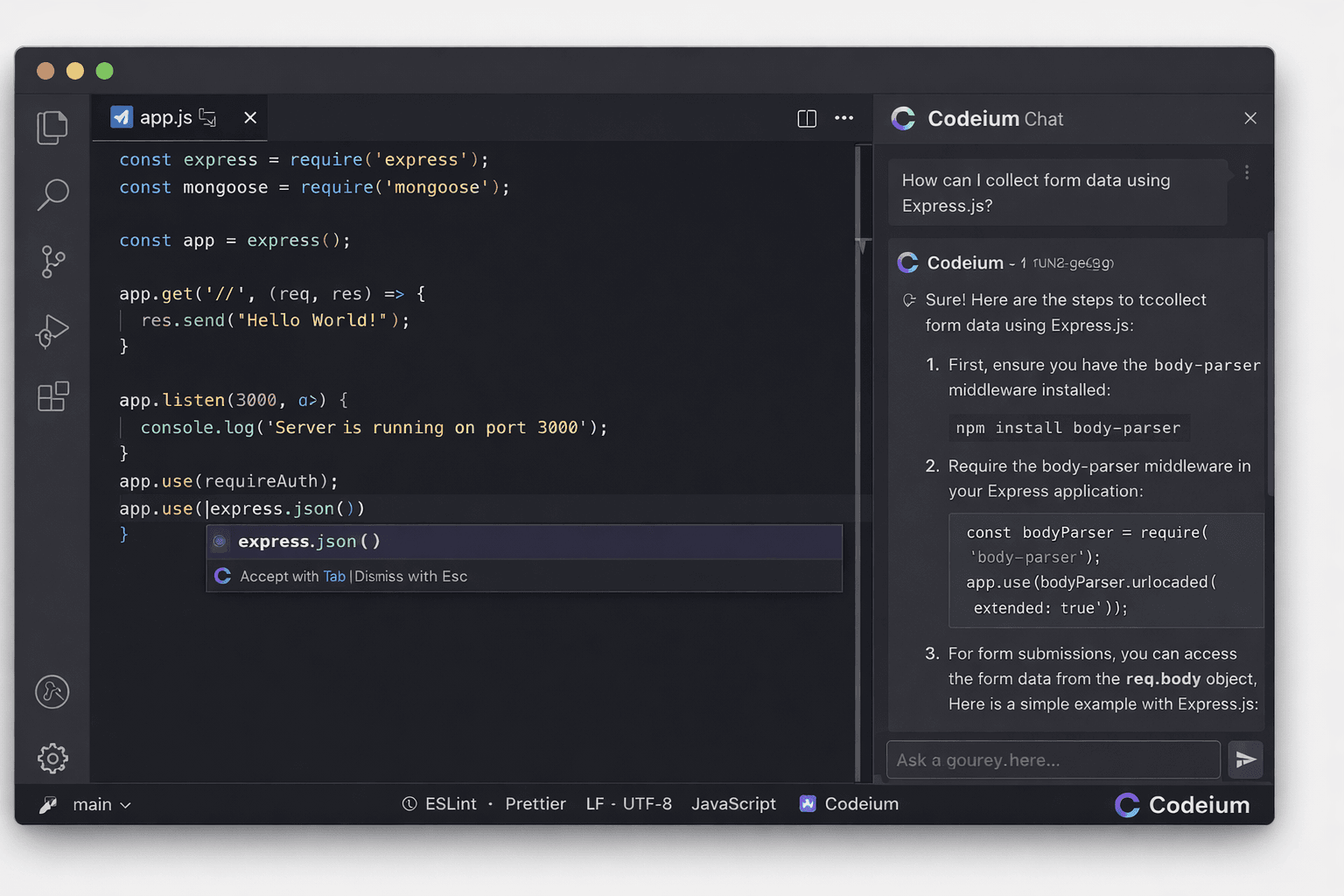
Codeium is my backup on personal projects when I don’t want to pay for Copilot. It’s genuinely free, supports 40+ languages, and feels lightweight.
10. Mintlify – Docs in One Click
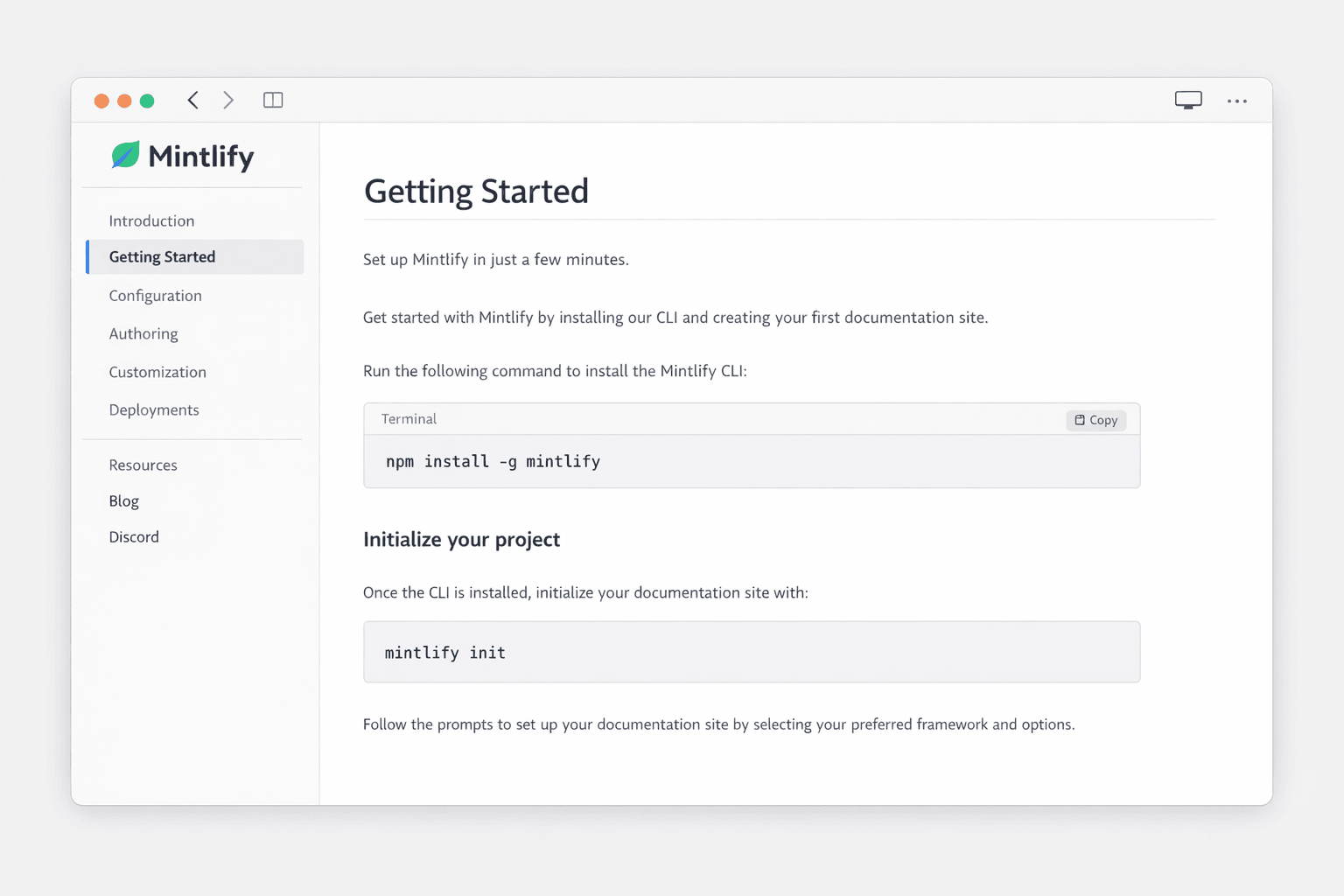
After finishing any function or component, I highlight the code, click the Mintlify icon, and it writes JSDoc or Python docstrings for me. I’ve saved over 10 hours of documentation writing this year. It’s one of those small tools that pays off every single day.
Pick the Right Tool for the Job
| Tool | Best For | Cost |
|---|---|---|
| ChatGPT | Reasoning & debugging | Free tier / $20 Pro |
| GitHub Copilot | Real-time autocomplete | $10/month or free for OSS |
| Cursor | AI-native IDE | Free trial / $20/month |
| Claude | Large code analysis | Free / Pro $18/month |
| Perplexity | Cited research | Free / $20 Pro |
| Phind | Dev-specific search | Free |
| Replit Ghostwriter | Browser coding | Free tier / $7/month |
| Tabnine | Privacy | Free / Enterprise |
| Codeium | Free alternative | Free forever |
| Mintlify | Auto documentation | Free / $12/month |
AI won’t replace you. But a developer who knows how to use AI will replace a developer who doesn’t.
Read more
Top 10 AI Tools Dominating Content Creation in 2026
AI-powered creative tools are reshaping how content is produced across the internet. From generating cinematic videos to designing high-quality images and animations, these 10 AI tools are leading the next generation of digital content creation.

GPT-5 Explained: 7 Breakthrough Capabilities That Could Change How Humans Work With Computers
A new generation of AI is emerging. GPT-5 introduces capabilities that go far beyond chatbots—autonomous computer use, real-time task adaptation, spreadsheet intelligence, and advanced reasoning. Here are seven breakthrough abilities that could redefine digital productivity.